Score links (players)
Open the link your club sent (WhatsApp or copied URL). No Carrom Live login is required — the token authenticates you.
Path shape: /boardscores/\{token\}.
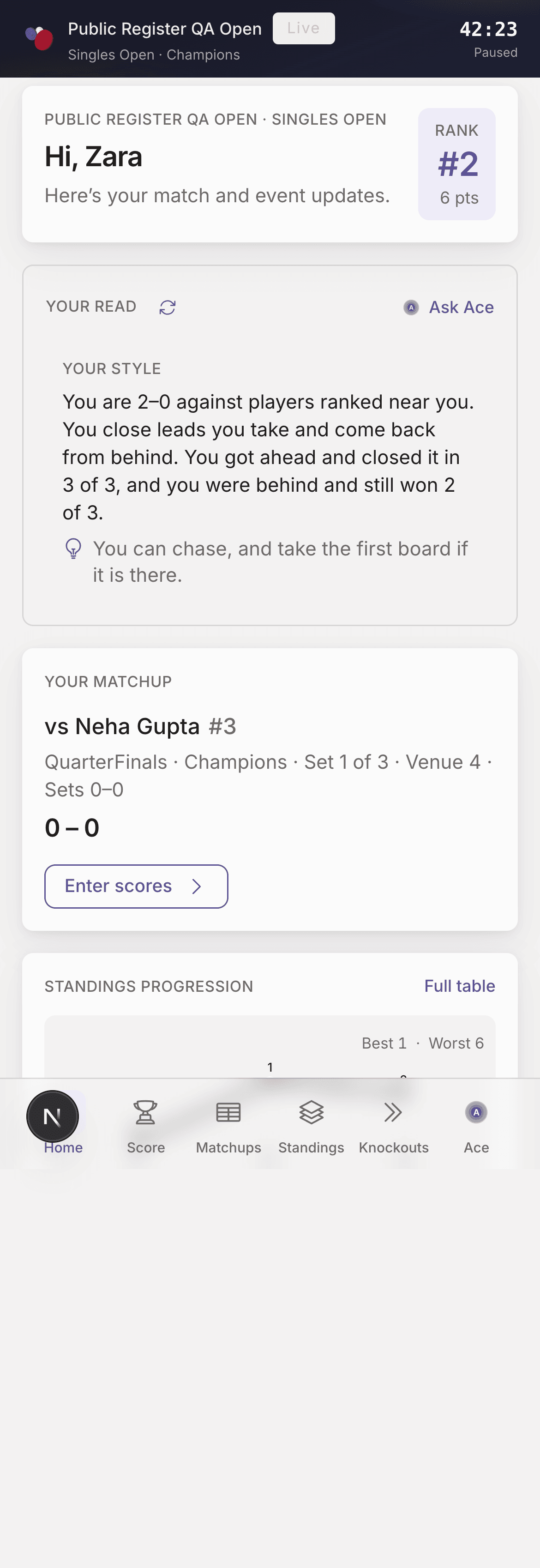
Home — venue, current game, enter scores
Bottom navigation
| Tab | Purpose |
|---|---|
| Home | Briefing, rank, current game, venue, set state, KO chance tips, Enter scores / Set lineup CTAs |
| Lineup | Captains only — assign roster spots |
| Score | Board entry; KO set tabs; First Strike; Queen; Save board |
| Matchups | Schedule and results |
| Standings | Group table; your row highlighted when relevant |
| Knockouts | Bracket; follow / spectator links are view-only |
| Ace | Coach chat grounded in the live packet (where available) |
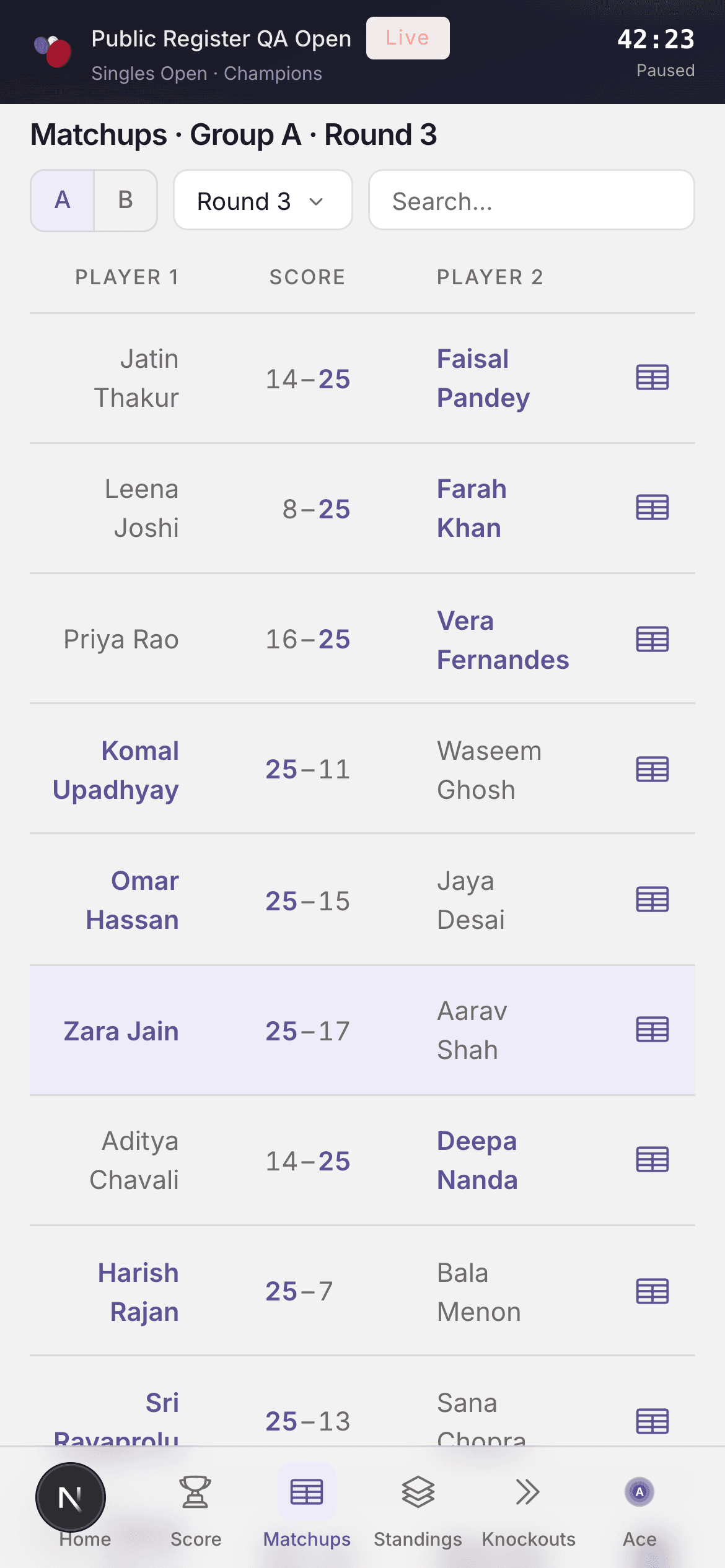
Matchups — winners in brand weight; your game highlighted
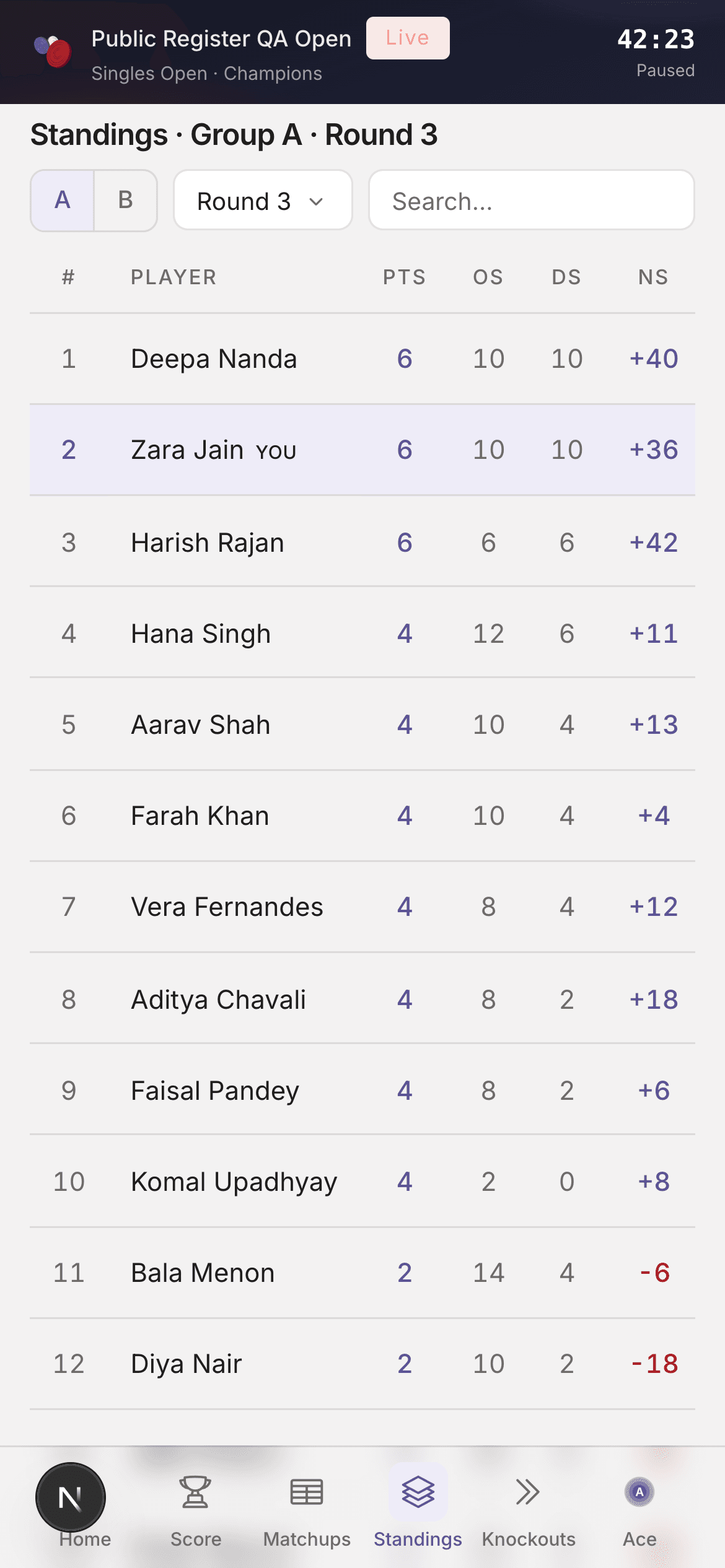
Standings — group / round filters
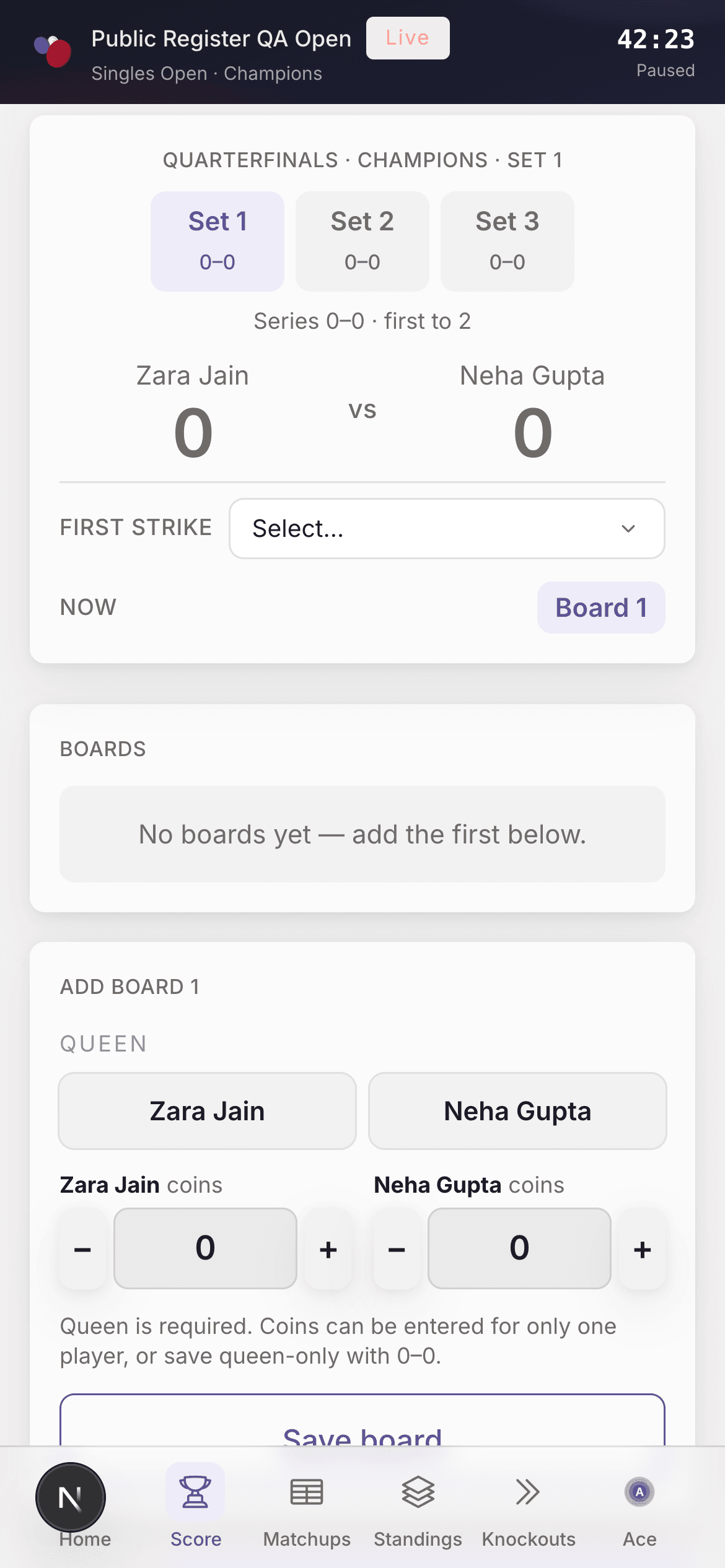
Score — board entry (including KO sets)
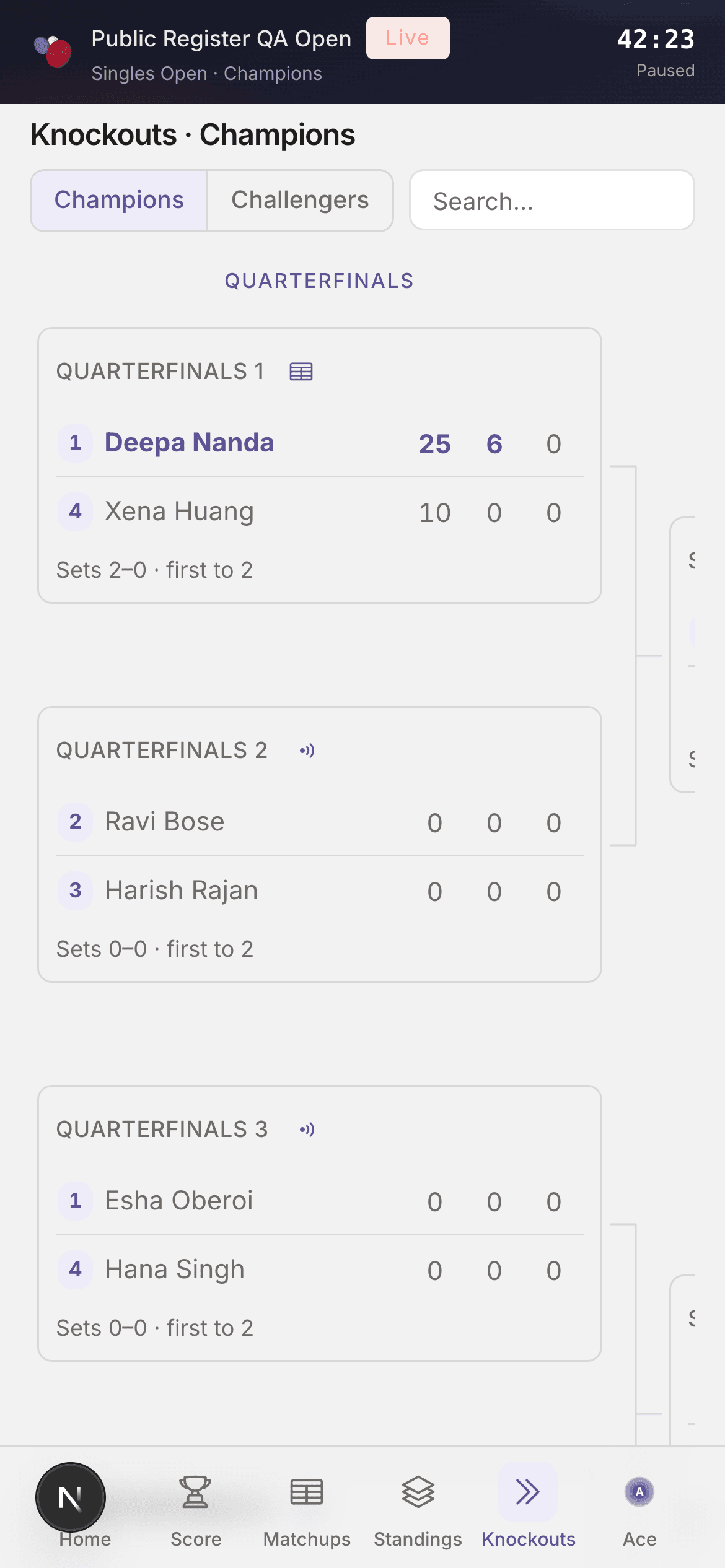
Knockouts bracket on phone
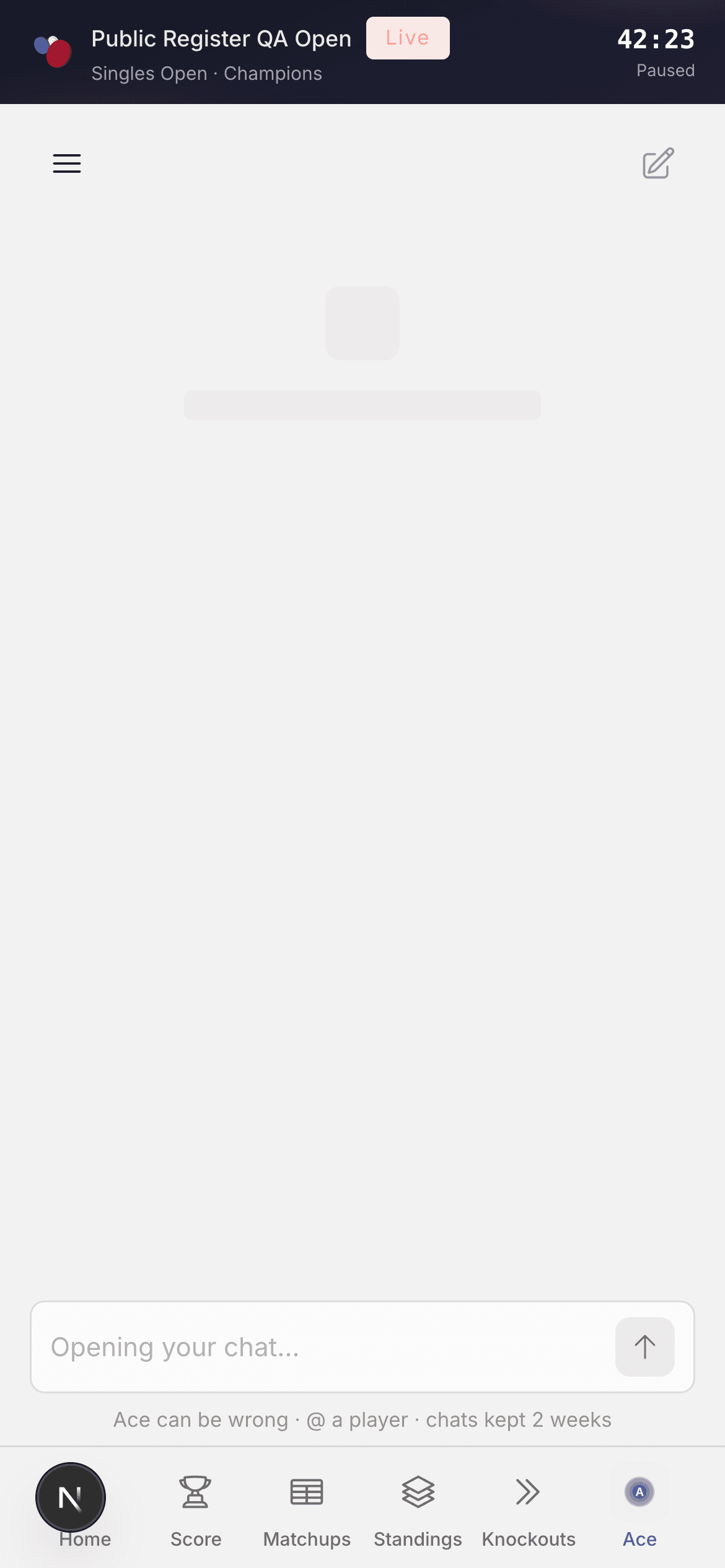
Ace — coach chat on the live packet
Scoring a board
- Open Score for your current game
- Enter coins for the side that scored (0–9) and queen holder
- Confirm First Strike when the UI asks
- Save board — match totals build toward 25
Queen bonus and match rules: Boards and points.
Modes
- Write — you can enter scores
- Follow-only — watch the game without editing
- Read-only — tournament finished; review history (Game Flow / Win Pressure where shown)
Tips
- Check Home for your venue (Venue 1, Venue 3) — that is where you play, not a “board number”
- If the link looks wrong, ask the organizer to resend from Matchups
- Organizers can still correct scores from the portal
Last updated on